
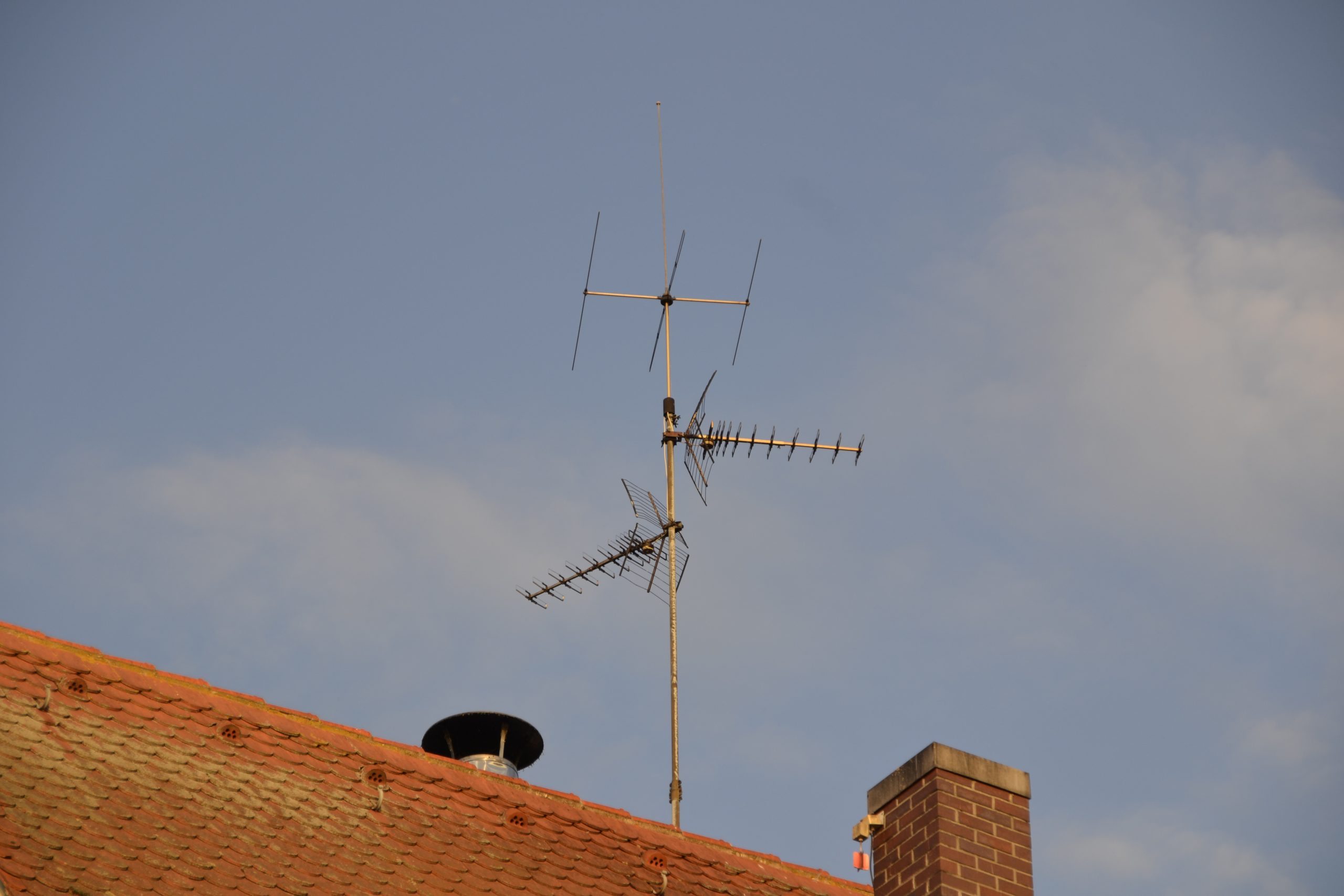
A channel name in your scan results doesn’t mean the tuner can show the picture. The signal may be too unreliable for playback, the chosen app may not support the broadcast, or a NextGen TV station may use encryption your setup can’t handle. Before buying another antenna, see which of these checks matches what you’re seeing.

Start with the symptom
If you can’t see the TV’s own menu, check the TV itself first. If the menu works but every source is black, check the selected input and any external box before troubleshooting the antenna. If just one broadcast channel is affected, note its call letters and the exact error.
| What you see | What to check first |
|---|---|
| The channel is missing, or the picture breaks up and returns | Coax connection, antenna placement and signal quality. |
| The channel stays listed but shows an encrypted or protected-channel message | Whether your exact tuner and playback device support that station’s ATSC 3.0 protection. |
| It works in one app or on one screen but not another | The app, playback device or home network. Compare the same feed on both devices. |
If the picture breaks up, change one thing at a time
Tighten the coax connection and try moving or turning the antenna a little. Note whether picture stability or the tuner’s signal-quality reading changes. Signal strength and signal quality aren’t the same measurement. The FCC’s antenna guidance suggests trying a higher indoor location or a window. Rescan after moving the antenna if a station is missing or if it has changed frequency.
If the tuner says encrypted, check the exact model
NextGen TV is the name used for ATSC 3.0. A compatible tuner can recognize a service without being able to decode protected video. An antenna move can improve reception; it cannot unlock protected programming. SiliconDust’s FLEX 4K product page says some encrypted ATSC 3.0 services will not play on that model and describes falling back to ATSC 1.0. That fallback only helps when the station has a receivable ATSC 1.0 feed.
If you have a network tuner, compare the manufacturer’s app with the app you normally use before blaming the antenna. Verify that both are trying to play the same version of the station. If only one works, check the maker’s compatibility notes for the tuner, playback device and app together. The industry’s NextGen TV device directory also lists security verification for some models.
Try the station’s other feed before replacing anything
If an ATSC 1.0 version (standard digital TV) is available, tune it and check whether it plays reliably. Then write down the station’s call letters, the exact error and the tuner and app you used. Those details are more useful to the manufacturer or station than “the channel is black.” Our antenna setup guide covers the basics, and our emergency alert test report explains why detecting encryption says nothing by itself about whether a station transmitted an alert.
If the channel plays but its captions are missing, delayed or blocking important graphics, here’s how to report a TV caption problem.
For a firsthand account of the difference between finding a station and being able to watch it, listen to The FreshWire’s October 2025 NextGen TV episode.

