
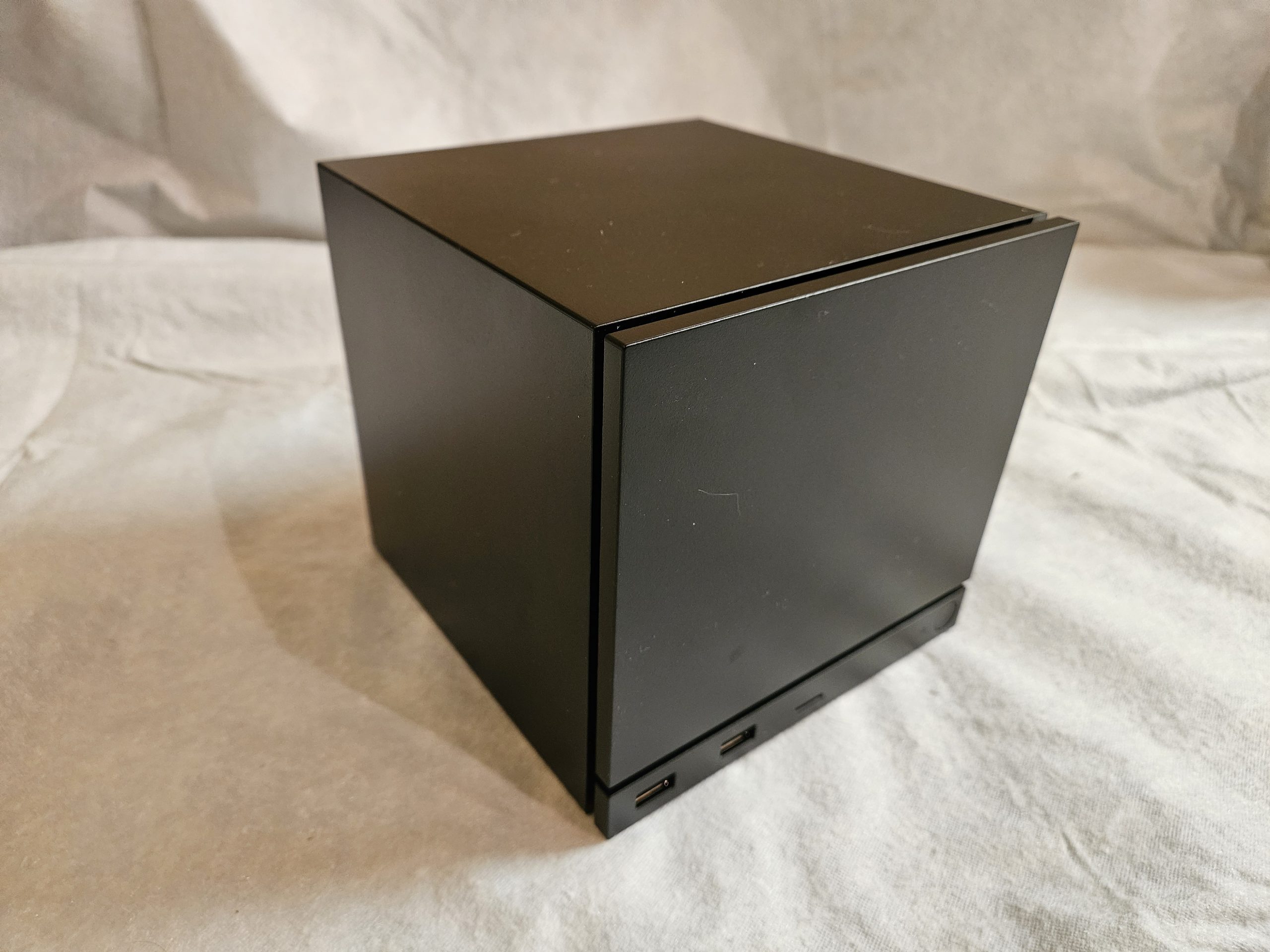
Start with the games you’d actually play on the TV. Valve publishes device-specific compatibility ratings for Steam Machine and Steam Deck. A game appearing in your Steam library only means you have access to it; the compatibility result tells you what Valve tested and whether it expects any setup or problems.

How to check your games
Pick five games you’d miss if they didn’t work, including your most-played multiplayer game. Find each one in your library or on the Steam storefront and look for its compatibility rating. Use the Steam Machine result when it’s shown. If you only see a Steam Deck badge, the Verified shortcut below applies. Don’t assume the other ratings carry over.
There’s one useful shortcut: Valve’s Steamworks documentation says games that are Verified on Steam Deck are also Verified on Steam Machine. Don’t extend that statement to other ratings. Valve treats the two ratings separately and notes that the devices have different display and performance criteria. For example, the Hades II store page shows the Deck Verified badge; Valve’s rule tells you what that means for Steam Machine even if that page doesn’t show both.
| Rating | How to read it |
|---|---|
| Verified | Valve’s checks passed without requiring extra setup. |
| Playable | It works in the review, but you may need to adjust controls or navigate a launcher. |
| Unsupported | Valve found an incompatibility in this setup. |
| Unknown | Valve hasn’t completed a review. Don’t read it as either a yes or a no. |
What a green badge won’t tell you
Valve’s support guide says 1080p is the default test resolution for Steam Machine. The review’s performance criterion is 30 frames per second at 1080p using the game’s default configuration. That’s not a promise of 4K or 60 fps on your TV. Controller navigation and a working launcher are separate things the review looks at.
SteamOS is Linux-based. Valve’s SteamOS guide explains how Proton helps Windows games run on it. If your must-play game depends on an online mode or third-party launcher, check the publisher’s current SteamOS support for the exact mode you care about rather than assuming a Windows install’s behavior carries over.
The best shortlist is simple: mark each game as confirmed, needs checking or a deal-breaker. A single game you play every week matters more than a hundred supported games you rarely open. For the hardware and sale context, see our Steam Machine availability coverage.

