
Yes, you can play Grand Theft Auto VI on an Xbox One without buying a Series console. It runs through Xbox Cloud Gaming, not as an Xbox One download. PlayStation Portal can stream it from Sony’s cloud or from your own PS5. The difference matters: it determines whether you need a console at home, a subscription or a separate game purchase.

Which devices can run or stream GTA VI?
| Device | How it plays |
|---|---|
| Xbox One | Xbox Cloud Gaming. No local Xbox One version. |
| Xbox Series X or S | Install it locally or stream through Xbox Cloud Gaming. |
| PS5 or PS5 Pro | Install it locally or use PlayStation Plus Premium cloud streaming in supported regions. |
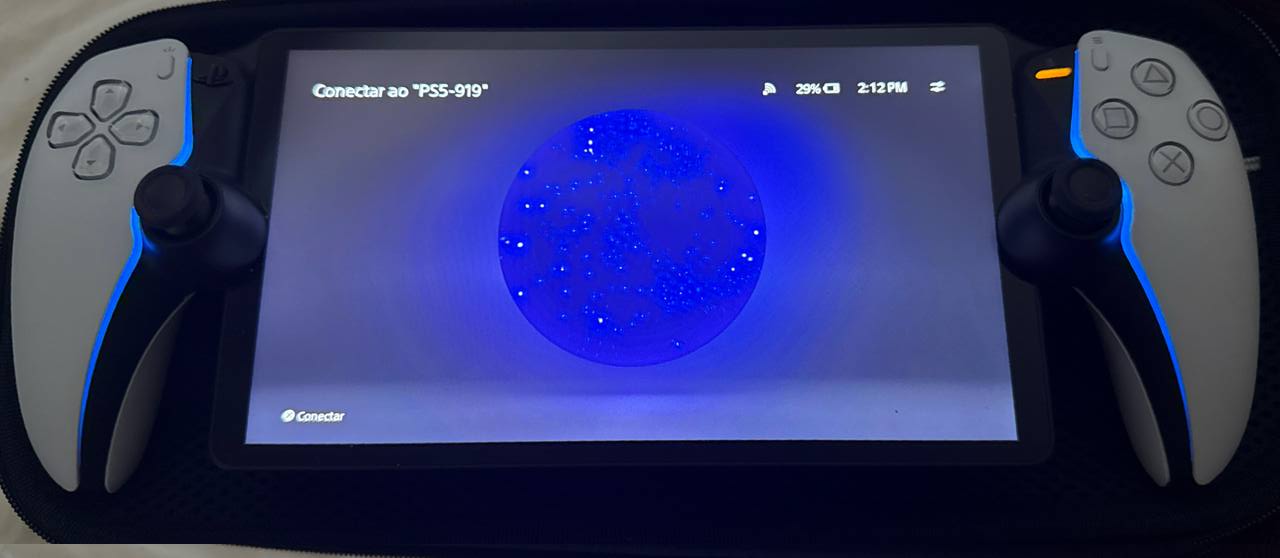
| PlayStation Portal | PlayStation Plus Premium cloud streaming, or Remote Play from a PS5 with the game installed. |
| PC or phone | Can act as a Remote Play screen for a supported console. That isn’t a native PC or mobile release. |
Xbox One: Look for Play With Cloud
Buy the digital game on the Xbox account you’ll use to play, then open its Microsoft Store listing on the console and select Play With Cloud if it appears. Xbox’s setup guide says the cloud version uses Series S graphics settings even if you stream on a Series X. Cloud access doesn’t include the game: Xbox says it’s a separate purchase.
Select Game Pass plans include a monthly allotment of cloud hours. In supported markets, players can also buy cloud playtime without a Game Pass subscription. Check the store on your own console for current availability and included hours before spending money. If the stream stutters, try Ethernet where possible.
PlayStation Portal: Cloud streaming and Remote Play are different
The U.S. PlayStation Store listing marks GTA VI as streamable on PS5 and Portal with PlayStation Plus Premium. To use Sony’s cloud, sign in with an eligible adult account in a supported region and look for the game in Portal’s Cloud Streaming or Search tab. Sony’s cloud streaming guide explains how eligible digital purchases work. You don’t need a PS5 running at home for this route.
With Remote Play, your own PS5 runs the game and sends the picture to your Portal. You need the game installed and the console set up for Remote Play, but Sony doesn’t require a Premium subscription for that connection. If you use a disc, leave it in the PS5.
When a local install makes more sense
Cloud streaming avoids the full install, but it depends on a steady connection and an eligible account. If you already own a PS5 or Series X|S and usually play on that console, install locally to avoid relying on a stream. For PS5 owners short on space, here’s which M.2 SSDs fit and how to install one.
To figure out which route uses your Game Pass allowance, see what counts against Xbox cloud gaming hours.

